The MY PDF FIX Blog
Tips, deep-dives, and the occasional opinion piece — all about working smarter with PDFs.
13 articles found
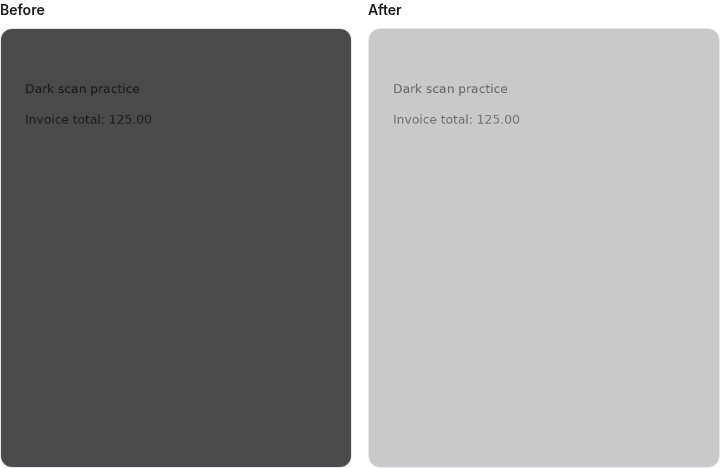
How to Brighten Dark Scanned PDF Documents
Use brightness and contrast carefully, compare every page and understand the image-based output before exporting.
Scanned PDFs
Read article →How to Convert JPG and PNG Images to PDF
Turn a mixed image collection into the correct page sequence, with explicit examples and honest page-size limits.
PDF conversion
Read article →How to Extract Text From a PDF and Recognize Scanned Pages
Distinguish embedded text, scanned images and OCR layers, then verify a real text download and its reading order.
PDF conversion · Scanned PDFs
Read article →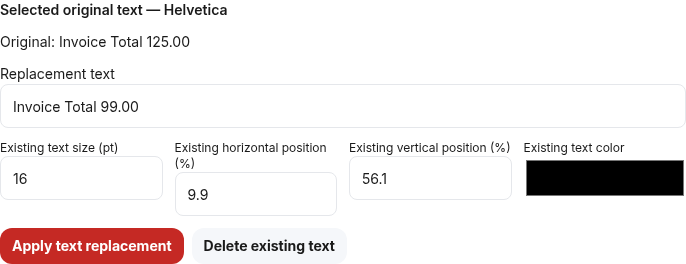
How to Edit Text in a PDF: What Actually Works
Choose between replacing supported existing text, adding a note and editing the source document. Includes a practice PDF and honest font limits.
PDF editing
Read article →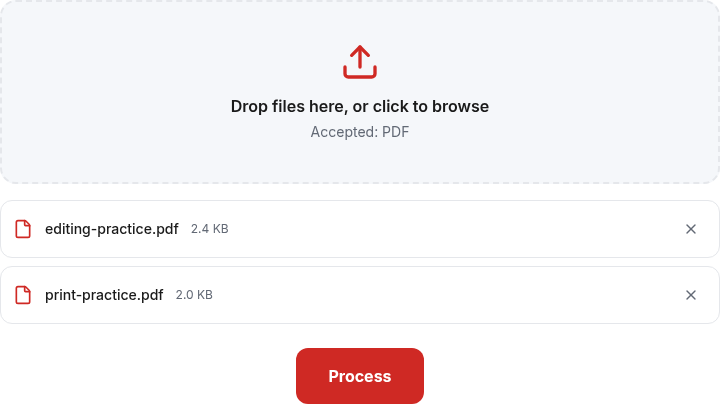
How to Merge PDF Files in the Correct Order
Plan file order, check section boundaries and repair interleaved pages with an explicit worked example.
PDF organization
Read article →How to Prepare a PDF for Printing
Check page dimensions, orientation, margins and numbering before using your printer settings. Includes a mixed-size practice file.
PDF printing
Read article →How to Protect a PDF With a Password
Understand an opening password versus editing restrictions, and use a documented desktop export workflow. PDF Fix Hub does not add encryption.
PDF security
Read article →How to Reduce PDF File Size Without Losing Readability
A practical compression workflow that checks small text, page counts and selectable text instead of promising a fixed saving.
PDF compression
Read article →How to Remove Pages From a PDF Safely
Use physical page positions, keep an original and check the downloaded file before sharing a reduced document.
PDF organization · PDF privacy
Read article →How to Unlock a PDF You Own
Remove supported password protection with a known password and permission, then verify the saved copy without storing the password.
PDF security
Read article →How to merge PDFs without losing quality
A practical merge workflow: choose file order, preserve page content and check the downloaded PDF before sharing.
PDF workflows
Read article →Splitting PDFs by page ranges: practical examples
Use page ranges to create separate PDFs or one combined selection, and verify the page counts in each download.
PDF workflows
Read article →Where do your PDFs actually go? A plain-English guide to PDF privacy
Understand local PDF processing, ordinary website requests and practical checks before working with a sensitive document.
PDF workflows
Read article →